LinkedIn's 6 New Features (+ Which Ones Actually Get You Clients)
Oct 30, 2026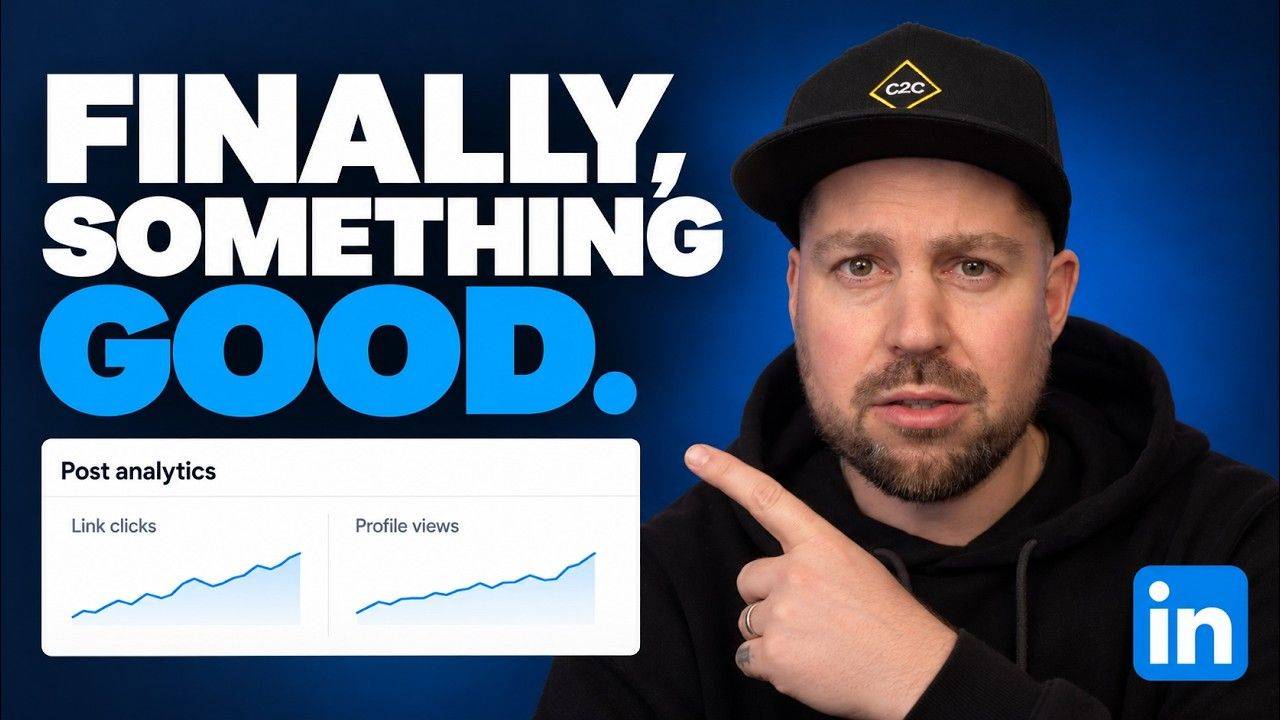
 LinkedIn: 6 new features (rated)
LinkedIn's 6 new features, rated
Some of them are completely useless, but some of them are fucking amazing.
I'm judging them on one thing: will they actually get you clients...
6 features, 6 verdicts
- The Super LikeA Premium reaction called Recommend. A little purple star.Irrelevant
- Private notesPremium users can leave notes on people's profiles that only they see.Meh
- Boost creditsPremium All-in-One credits to boost your own posts.Useful, but dangerous
- The network feedA feed of just your connections + people you follow.Very good
- Pinned commentsHighlight any comment under your post, yours or someone else's.No-brainer
- The new analyticsIn-depth numbers for every post you've ever published.Fucking amazing
The skippable ones
The Super Like is a Premium reaction called Recommend, a little purple star. What does it do for your business? I genuinely have no idea, and I'm pretty sure LinkedIn don't know either. If someone gives you one, lovely, enjoy your precious little star.
Private notes let Premium users jot down what someone's working on or when they've asked you to get back in touch. My problem with it is that it's basically a sticky note, and it doesn't live in your pipeline. You could end up with hundreds of notes scattered across LinkedIn when you could've just put them in your CRM or lead tracker.
A purple star on your post. Nice to look at, does nothing for your business.
A sticky note on someone's profile that never makes it into your pipeline.
The ones that help
The network feed is just your connections + people you follow, separate from whatever the algorithm feeds you. Get your potential clients in there and pay attention to them. That matters more than you think, because if you're only connecting with the right people, you can actually try and get them on calls. We track all our clients' data in the C2C App, and 40% of asks to get on a call end up with a call booked.
Pinned comments are back, and you can highlight any comment under your post. So you can pin the next step instead of letting your resource get buried, or pin a picture of yourself to give your post extra dwell time.
Boost credits: useful, but very dangerous in the wrong hands. Only boost a post that's already done something for your business (got enquiries or sent people to a resource), never one that just got loads of likes.
The new analytics
You might not have it yet, but it shows in-depth analytics for every piece of content you've posted: your link clicks, how many people clicked your Premium button + how many people saw your post from outside your network.
I sat down with my client Scott and went through his. His strongest posts kept coming back to HMRC, debt collection + cash, and he doesn't even work in that industry. Suddenly we had something specific to dig into, instead of him sitting there going "what the fuck do I post today?"
Once you can download these, you can choose what to post based on the outcome you want. That's why I've built it into the C2C App, so our clients can upload their analytics + see exactly which posts to keep recycling.
"That's like going to the gym, sitting in the sauna for half an hour + saying you had a good session because you got a sweat on"
Likes and impressions feel good. Link clicks, profile views + enquiries are what tell you which posts are actually bringing in business.
LinkedIn new features FAQs
What are LinkedIn's new features?
Six of them: the Super Like (a Premium reaction called Recommend), private notes on profiles, boost credits for your own posts, a network feed of just your connections + people you follow, pinned comments, and new in-depth post analytics.
What is the LinkedIn Super Like?
It's a Premium reaction called Recommend, shown as a little purple star. As far as winning clients goes, it's irrelevant.
Can you leave private notes on LinkedIn profiles?
Yes, if you're on Premium. Only you can see them. The downside is they don't live in your pipeline, so your CRM or lead tracker is still the better place for them.
Can you pin comments on LinkedIn posts again?
Yes, pinned comments are back. You can highlight any comment under your post, whether it's yours or someone else's.
What's in LinkedIn's new post analytics?
In-depth numbers for every post, including link clicks, how many people clicked your Premium button + how many people saw your post from outside your network. You might not have it yet.
Features rated. Now put them to work.
My free training breaks down the 4 systems you need to win clients on LinkedIn without cold DMs or having to go viral.
It'll help you work out exactly what's stopping you making more right now + what to fix first.

Lorem ipsum dolor sit amet, consectetur adipiscing elit. Cras sed sapien quam. Sed dapibus est id enim facilisis, at posuere turpis adipiscing. Quisque sit amet dui dui.
Stay connected with news and updates!
Join our mailing list to receive the latest news and updates from our team.
Don't worry, your information will not be shared.
We hate SPAM. We will never sell your information, for any reason.