How to Set an Out of Office Message on LinkedIn
Sep 24, 2026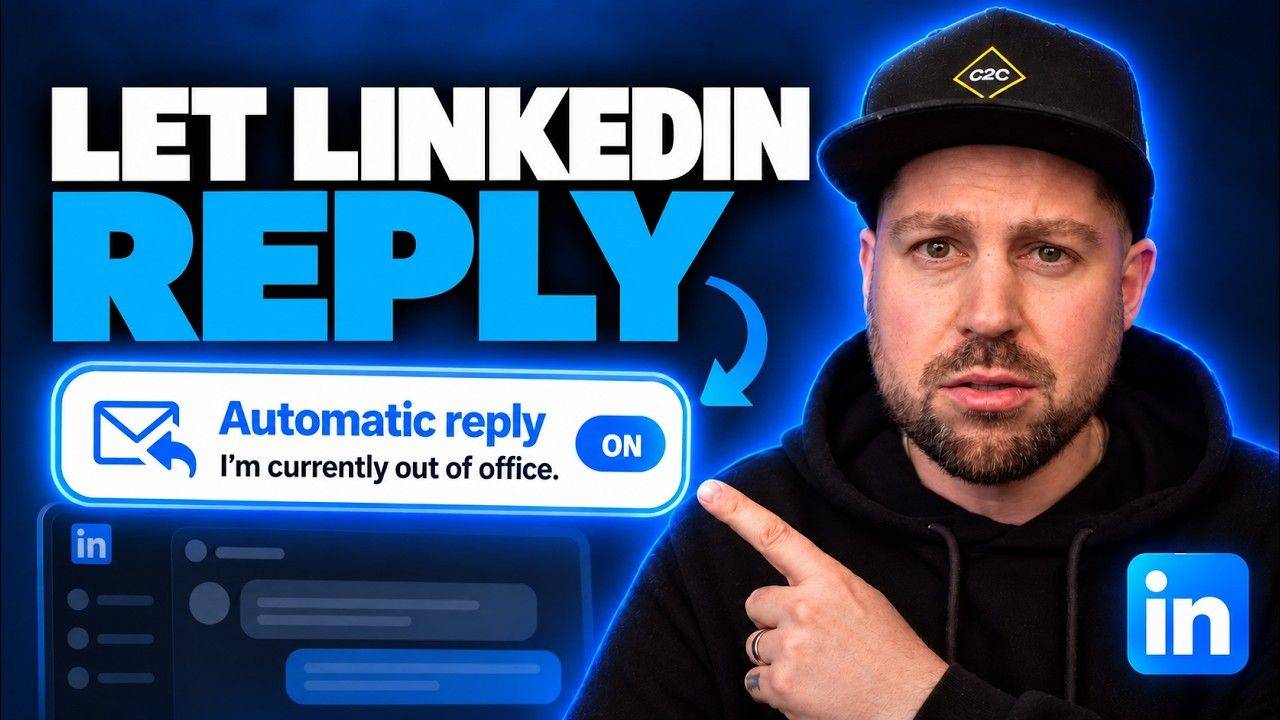
 LinkedIn Basics: Away messages (step by step)
How to set an out of office message on LinkedIn
LinkedIn's got an away message feature hardly anyone knows about.
Write it properly + every message you get sends people to your next step...
Set it up in 4 steps
- Open your inboxHead to Messaging on LinkedIn
- Click the 3 dotsAt the top of your inbox
- Set away messageFlick the toggle on
- Add dates + messageStart date, end date, then what it says
Where to find it
Head to your LinkedIn inbox, click the three dots at the top + choose "Set away message".
Click the toggle to switch it on (you can turn it off the same way), then put in your start date and your end date.
Then write the message itself. That's the bit that actually matters, so it gets its own section below.
Heads up: away messages are only available on paid LinkedIn. If you're on a free account, you won't see the option.
I am away. I'm on holiday till July.
I'm away until July + I'll reply when I'm back. While you wait, here's my free LinkedIn training: chris-james.co/training-li
Don't just say you're away
The problem is people write "I am away. I'm on holiday till July" and leave it there.
So everyone who messages you hits a dead end.
Use it to point them to the next step in the journey instead. Your lead magnet, your latest podcast episode or whatever you want people to see next.
It doesn't have to be free stuff
I put my free LinkedIn training in mine. It shows people exactly how to win clients on LinkedIn without sending loads of cold DMs or spamming strangers.
But you can send people anywhere. Your YouTube channel, your podcast, your sales page or your calendar so they can book a call.
Pick one link. One clear next step beats a list of options nobody clicks.
Steal the template
Fill in the brackets, paste it into your away message + you're done.
Thanks for your message! I'm [away / out of the office] until [date] + I'll get back to you then.
In the meantime, [what your free thing / episode / page helps them do].
[Your one link]
"It's basically an opportunity to take people off the platform and continue clocking up what I call brand minutes"
You don't have to save it for holidays. You can leave your away message switched on all the time if you like.
LinkedIn away message FAQs
Is LinkedIn's away message free?
No. Away messages are only available on paid LinkedIn, so you won't see the option on a free account.
Where do I find the out of office setting on LinkedIn?
Go to your inbox, click the three dots at the top + choose "Set away message". Switch the toggle on, add your start + end dates, then write your message.
Can I leave my LinkedIn away message on all the time?
Yes. You don't have to only use it when you're on holiday. Leaving it on means every message you get points people to your next step.
What should I put in my LinkedIn away message?
One clear next step. A free training or lead magnet, your latest podcast episode, your YouTube channel, your sales page or your calendar. Pick one link rather than listing all of them.
Inbox sorted. Now fill it.
My free LinkedIn training shows you how to get inbound leads from LinkedIn without spammy DMs or complicated funnels.
It's free + you can watch it straight after this.
Lorem ipsum dolor sit amet, consectetur adipiscing elit. Cras sed sapien quam. Sed dapibus est id enim facilisis, at posuere turpis adipiscing. Quisque sit amet dui dui.
Stay connected with news and updates!
Join our mailing list to receive the latest news and updates from our team.
Don't worry, your information will not be shared.
We hate SPAM. We will never sell your information, for any reason.