How to Block Someone on LinkedIn (+ How to Unblock Them)
Oct 22, 2026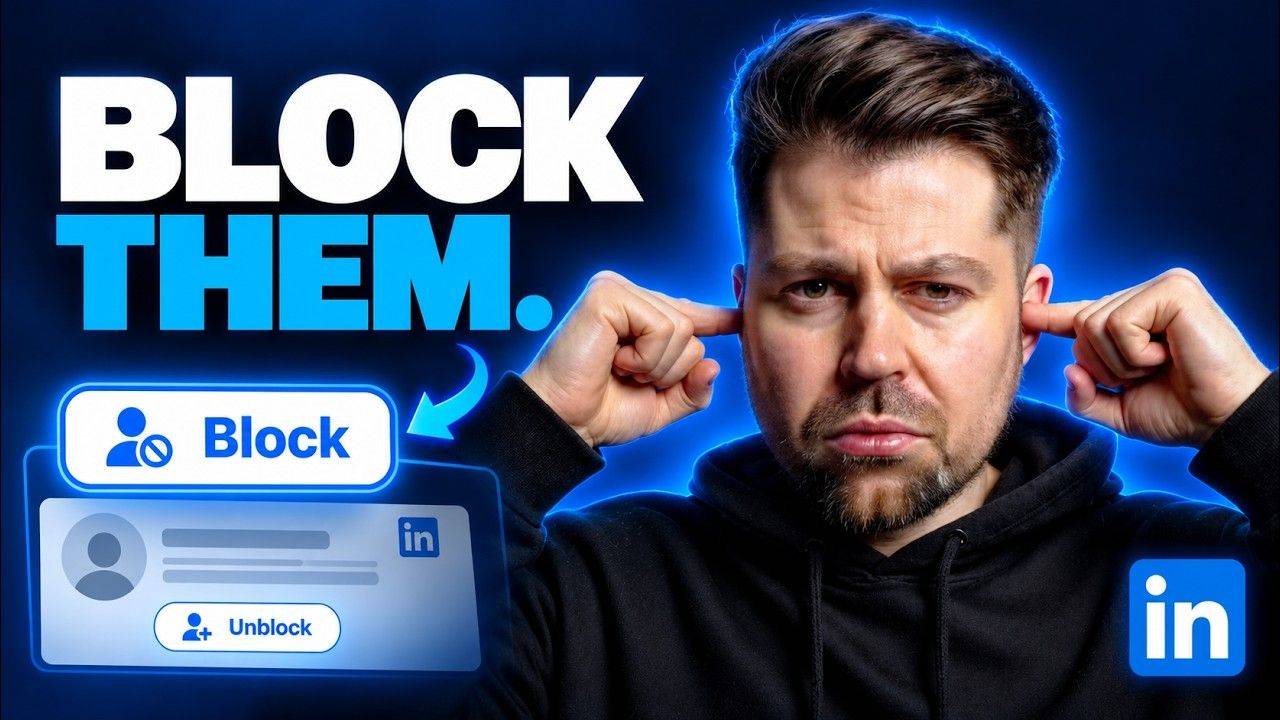
 LinkedIn Basics: Blocking (step by step)
How to block someone on LinkedIn
There are so many annoying people on LinkedIn + my best advice is to just block them.
Here's how to do it (and how to undo it)...
Block someone in 4 steps
- Visit their profileYou have to be on their page to do it
- Click the 3 dotsOn their profile, next to the buttons
- Click BlockNot Report, unless they're malicious
- Confirm itIn the pop-up that opens
Report or block?
First you need to actually visit the person's profile. Then click the three dots and you'll see a few different options.
You can report them if they're being malicious. But if they're just being annoying, click Block.
That opens a pop-up, which is basically your confirmation that you're going to block this person. Click it + you're done.
- They can't visit your profile
- They can't see your content
- They can't see your comments either
Out of sight, out of mind
Once you've blocked someone, they're not going to be able to visit your profile.
They won't see any of your content or your comments either.
How to unblock someone
Click your profile picture, then click "Settings & Privacy".
Go to the Visibility section and scroll down a little bit until you see "Blocked members".
Click Unblock next to the person you've forgiven, then type in your password. You'll be able to reconnect with them straight away.
"I'm currently blocking 247 people. I thought it was more than that"
Blocking on LinkedIn FAQs
How do I block someone on LinkedIn?
Visit their profile, click the three dots, click Block + confirm in the pop-up.
What happens when you block someone on LinkedIn?
They can't visit your profile, and they won't see any of your content or your comments.
Should I report or block?
Report them if they're being malicious. If they're just being annoying, block them.
How do I unblock someone on LinkedIn?
Click your profile picture, go to "Settings & Privacy", open the Visibility section + scroll down to "Blocked members". Click Unblock next to their name, then type in your password.
Do I need my password to unblock someone?
Yes. Once you click Unblock, LinkedIn asks for your password before it goes through.
Feed sorted. Now get paid.
My free training breaks down the 4 core systems you need to win clients on LinkedIn without sending cold DMs, going viral or getting loads of people blocking you.
It'll help you work out exactly what's stopping you making more right now + what to fix first.
Lorem ipsum dolor sit amet, consectetur adipiscing elit. Cras sed sapien quam. Sed dapibus est id enim facilisis, at posuere turpis adipiscing. Quisque sit amet dui dui.
Stay connected with news and updates!
Join our mailing list to receive the latest news and updates from our team.
Don't worry, your information will not be shared.
We hate SPAM. We will never sell your information, for any reason.